
- The search box looks in the title, the description, the venue and the organizer.
- There is no "Apply" button: every tick updates the list straight away.
- The link to a filtered page can be shared and saved as a bookmark.
The fastest route: the home page chips
If you do not feel like setting filters, the home page has a "Popular searches" row under the two big buttons — "Salsa parties in Budapest" or "Dance classes in Szeged", for example. Each one takes you to a ready-made, filtered list, on the same shareable link you would get by setting it up by hand.
If you have already told us what you are after, this row is titled "For you" and offers your own styles and your own city.
The search box and the filters
One word in the box above the list ("Title, venue, organizer…") is enough: we search the title and the description of the event, the name and the city of the venue, and the name of the organizer, all at once. Next to it, the "Filters" button opens the filter panel and shows a number for how many filters are switched on.
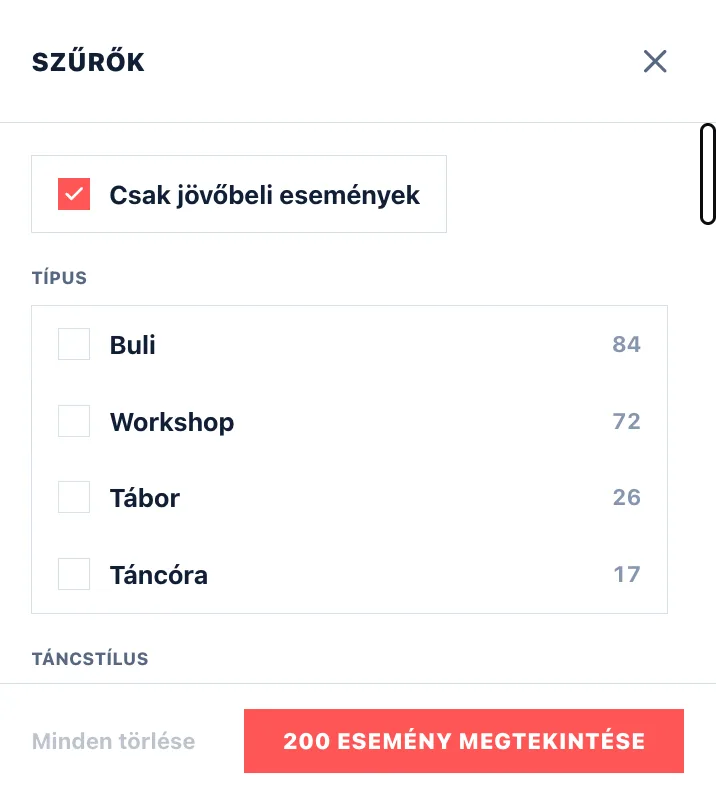
The panel has no "Apply" button — every click updates the list at once. The number beside an option tells you in advance how many events would be left if you picked it; anything that would give zero results is not shown at all. At the bottom, "Clear all" resets everything and "Show N events" closes the panel.
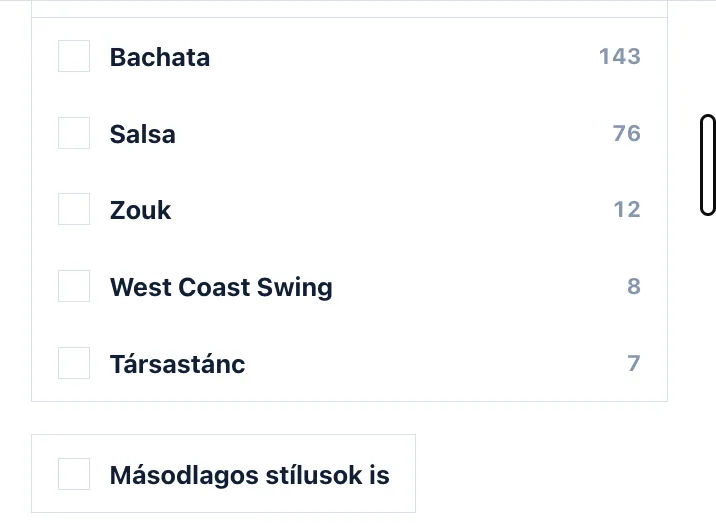
Every list shows only the five most common choices by default. If yours is not among them, open "Show more" at the bottom of the list, or type it into its search box — the style, city, venue and organizer lists each have one.
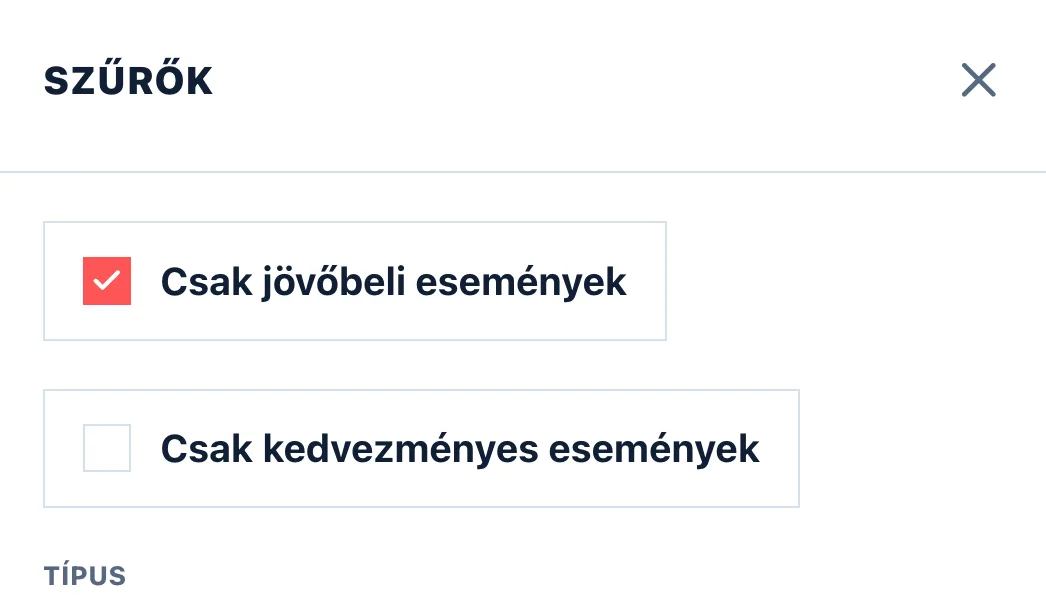
Discounted events only
At the top of the filter panel, under „Upcoming events only", sits the „Discounted events only" switch: it narrows the list to events where the organizer gives Let's Dance users a discount. Those carry a green label in the top-right corner of the card with the size of the discount — „LD −20%" for a percentage, „LD −1,500 Ft" for a fixed amount — and their price is struck through next to the discounted amount; the condition is on the event page.
If you only want to browse those, the „Discounted events" link in the footer takes you straight there.
Type and dance style
Type separates six things: Party (a dance night — a showcase and a competition count as one too), Class (a regular class or a course), Workshop (a one-off session on a theme), Festival, Other (whatever fits none of these) and Camp. Camp works differently from the rest: it is not a kind of its own but means the event runs across several days without a break — a course that runs for weeks but meets once a week is not a camp — so it narrows the types ticked next to it rather than widening them. The Dance style list is searchable, and you can tick several styles at once.
By default only events whose main programme is the style you picked come up. Switch it on and the ones where the style is only along for the ride come up too — a salsa party with some bachata, for example. If you are short on results, this is the first thing worth loosening.
Where and when
You can search inside the City, Venue and Organizer lists as well. Only venues in the cities you picked are listed, so you do not have to scroll through hundreds of names.
You set the dates with the button next to the search box: click the first day, then the last one — and for a single day, click the same one twice. There are quick buttons above the calendar too: "Today", "Tomorrow", "This week", "This weekend", "This month" and "This year".
Parties that run into the small hours belong to the day they started on: a Tuesday party going until two on Wednesday morning sits under Tuesday, not Wednesday. So when you look for something on Wednesday, you really get the Wednesday evening.
The "Upcoming events only" switch is on by default — turn it off and events that have already happened come up too.
Active filters and the shareable link
Every filter you switch on shows up as its own small tag above the list. The × next to a tag removes them one by one, and "Clear all" drops the lot at once.
The link to a filtered page can be shared and saved as a bookmark: next time it opens with the same settings. And if all you want to know is what is on today, Events today is a single click.
